Best TVs for Sports: Motion Handling & Brightness
A blurry screen ruins game day faster than a bad call. We picked TVs that handle fast motion without smearing, deliver enough brightness to fight afternoon glare, and look sharp from every seat in the room.
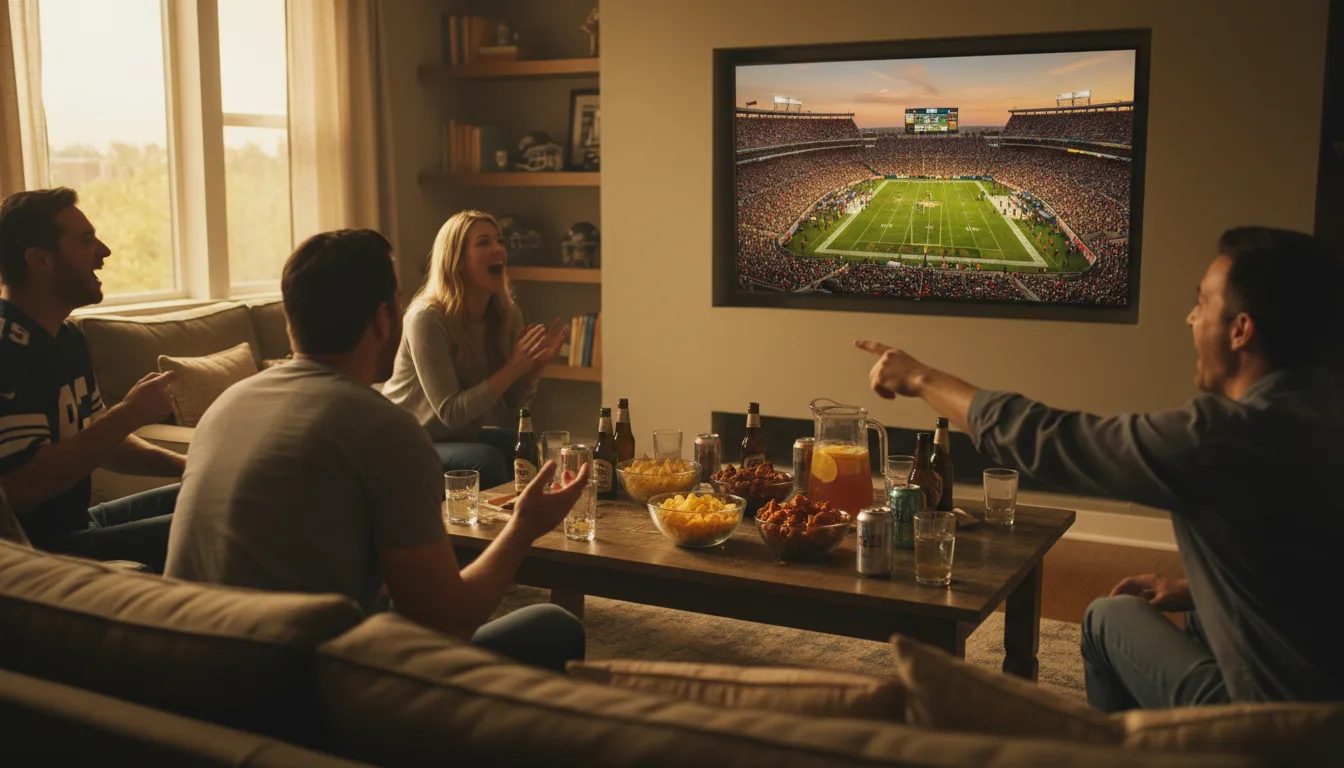
What Makes a TV Good for Sports
Sports footage pushes TVs harder than almost any other content. The camera pans quickly across a football field. Players cut and sprint in unpredictable directions. A baseball leaves the pitcher's hand at 95 mph. If the TV can't process and display those frames cleanly, you see motion blur, judder during slow pans, and a loss of fine detail exactly when the action peaks.
Three specs separate good sports TVs from frustrating ones: refresh rate, brightness, and viewing angles. Miss on any of the three, and you'll notice it every Sunday.
Key Specs for Sports Viewing
Motion Handling and Refresh Rate
A 120Hz panel redraws the screen twice as often as 60Hz, which reduces blur on fast-moving objects. Motion processing (called Motion Rate by Samsung, TruMotion by LG, Motion Flow by Sony) adds interpolated frames to smooth out judder during slow camera pans. For sports, this processing is a genuine benefit — unlike gaming, where it adds unwanted delay.
Brightness for Daytime Viewing
Most sports happen during the afternoon, which means most viewers are watching in rooms with natural light. A TV that peaks at 300 nits will look washed out against window glare. Aim for 800 nits or more. Mini-LED TVs routinely hit 1500+ nits, and anti-glare coatings (Samsung leads here) make a measurable difference.
Screen Size and Viewing Angle
Game-day crowds don't all sit front and center. VA panels — which most non-OLED TVs use — lose color saturation when viewed from the side. For watch parties, OLED offers the best viewing angles, followed by LG's IPS-based QNED panels and Samsung's wide-angle technology.
Turn motion smoothing ON for sports — this is one of the few content types where frame interpolation genuinely helps. Set it to "medium" rather than "high" to avoid an overly artificial look. On Samsung TVs, this is under Picture Clarity > Auto Motion Plus.
Top Picks for Watching Sports
1. Samsung 65" QN70F Neo QLED Mini-LED Smart TV (2025) — Best for Bright Room Sports
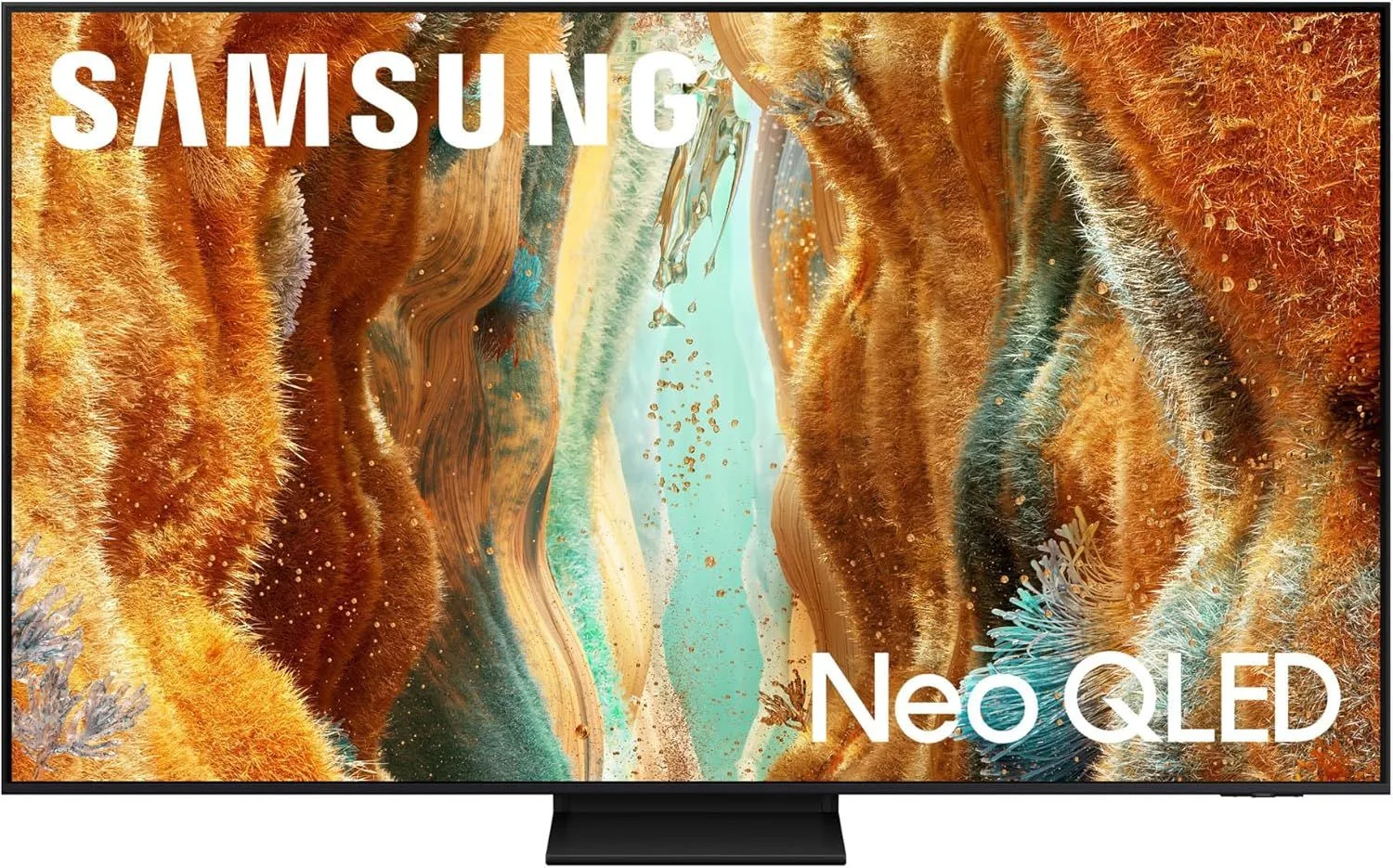
Samsung's anti-reflection coating is unmatched for rooms with windows. The Samsung 65" QN70F handles afternoon football without washing out, and the wide viewing angle technology means nobody on the couch gets a bad picture. At $800–$1,200, it's a upper mid-range pick for dedicated sports watchers.
Read our full Samsung 65" QN70F review
2. LG 65" OLED evo C5 Smart TV (2025) — Best Picture Quality for Sports
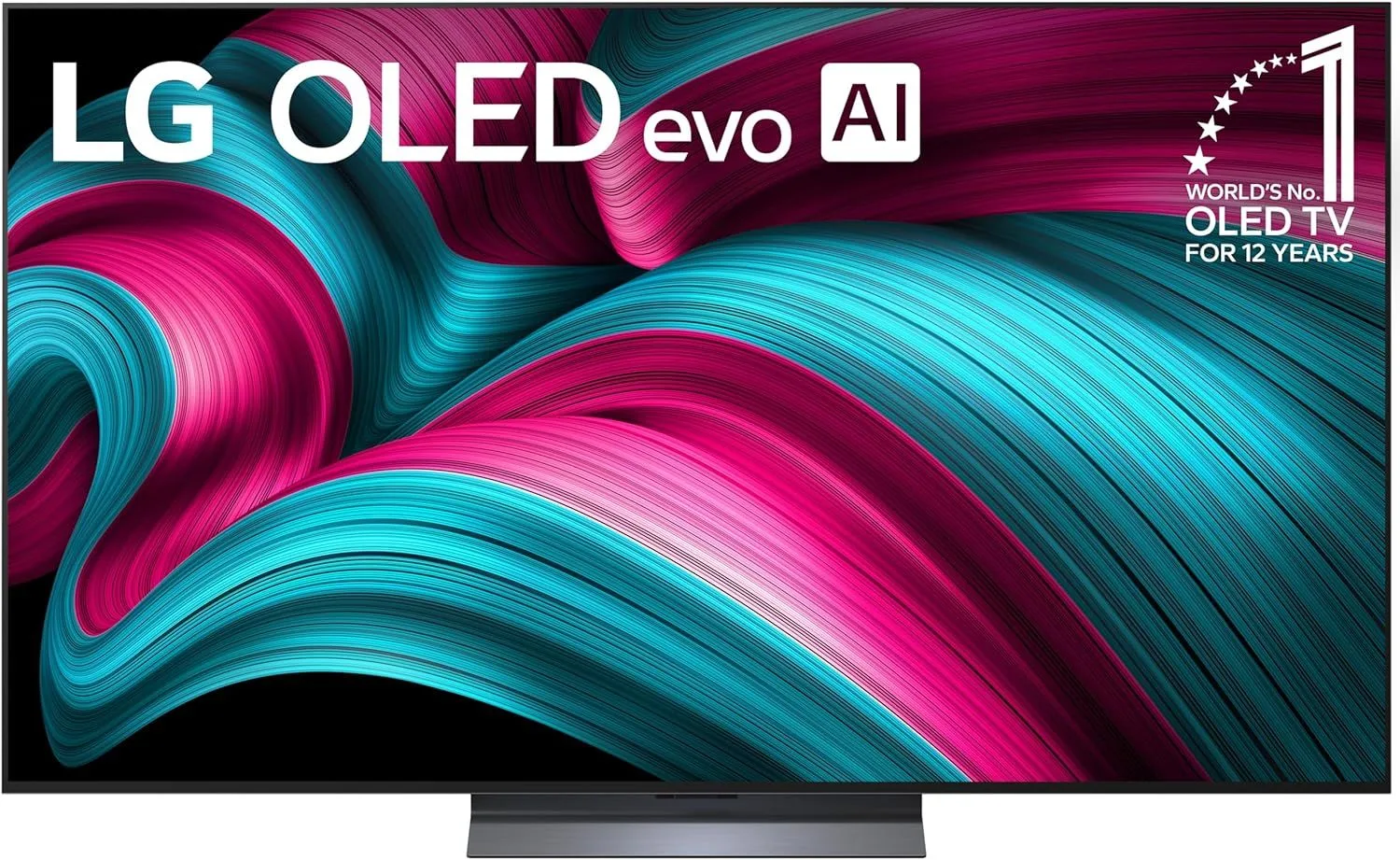
OLED's per-pixel lighting eliminates the blooming halos that Mini-LED panels show around bright jerseys on a dark background. The near-instant pixel response time means zero motion blur. The LG 65" OLED C5 is a premium option, but the viewing angles and motion clarity are the best available.
Read our full LG 65" OLED C5 review
3. TCL 75" QM6K QD-Mini LED 144Hz Smart TV — Best Big-Screen Value for Sports
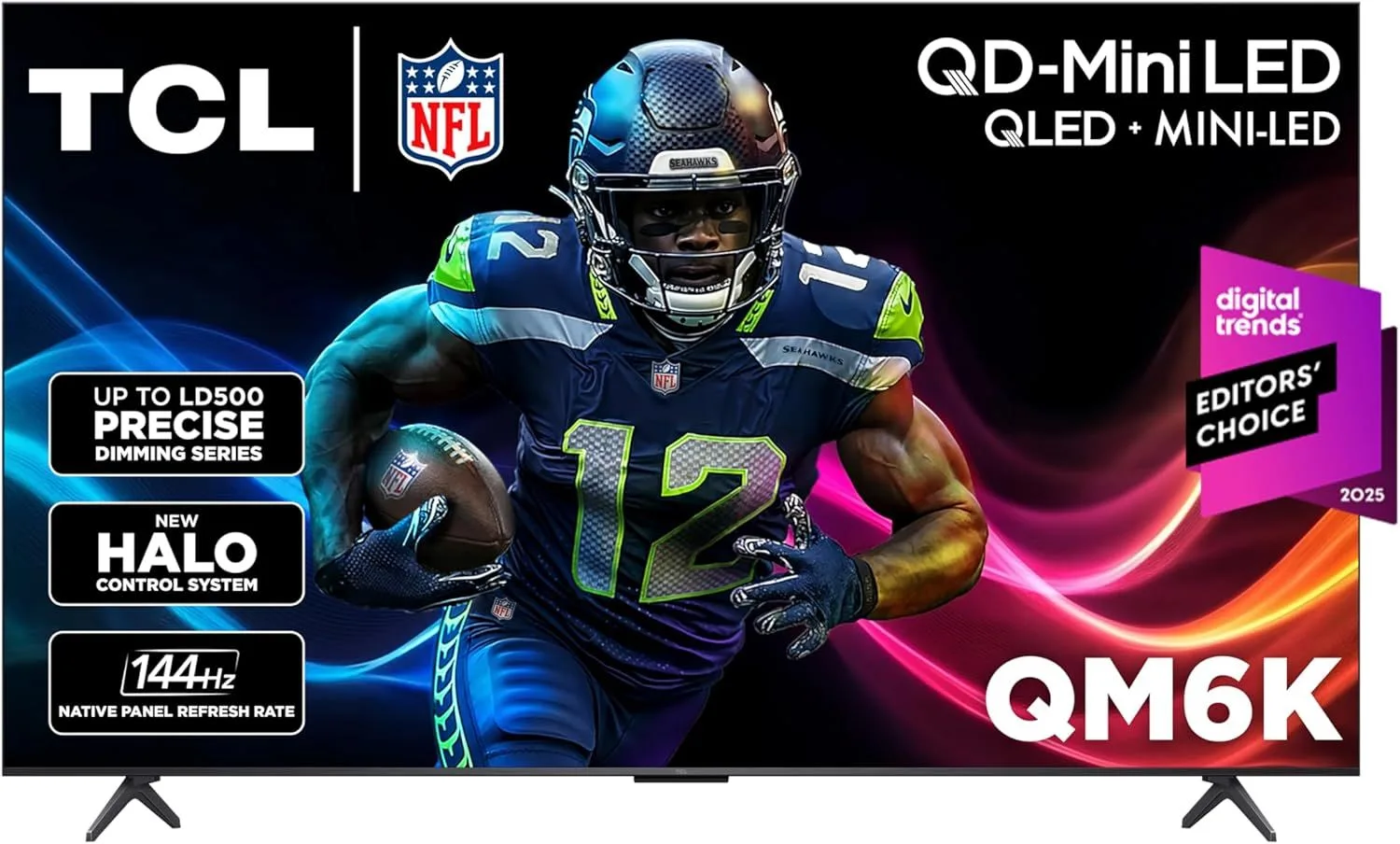
A 75-inch Mini-LED with 144Hz at the $500–$800 level. The TCL 75" QM6K fills the room with a bright, smooth picture that handles fast pans across the field without judder. Pair it with a soundbar for a full game-day setup that costs a fraction of premium alternatives.
Read our full TCL 75" QM6K review
4. Roku 75" Pro Series QLED Smart TV (2025) — Simplest Big-Screen Sports TV
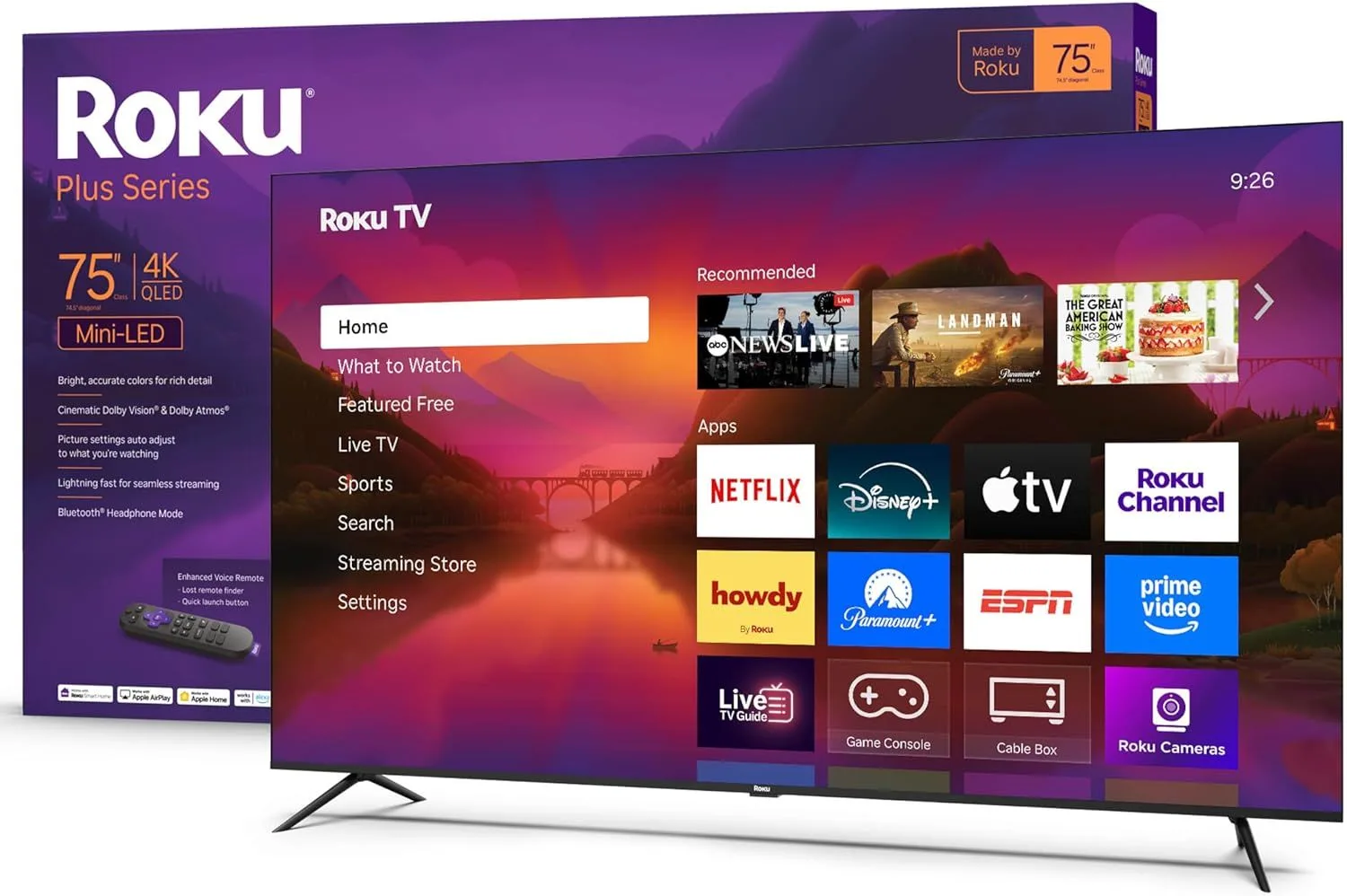
Roku's interface is dead simple — hand the remote to anyone and they'll figure it out in seconds. The Roku 75" Pro Series backs that ease-of-use with 120Hz, local dimming, and Dolby Vision. At $500–$800, it's a solid all-around pick for households that watch sports and everything else.
Read our full Roku 75" Pro Series review
5. Hisense 65" U75QG Mini-LED 144Hz Smart Google TV — Best HDR Performance for Sports
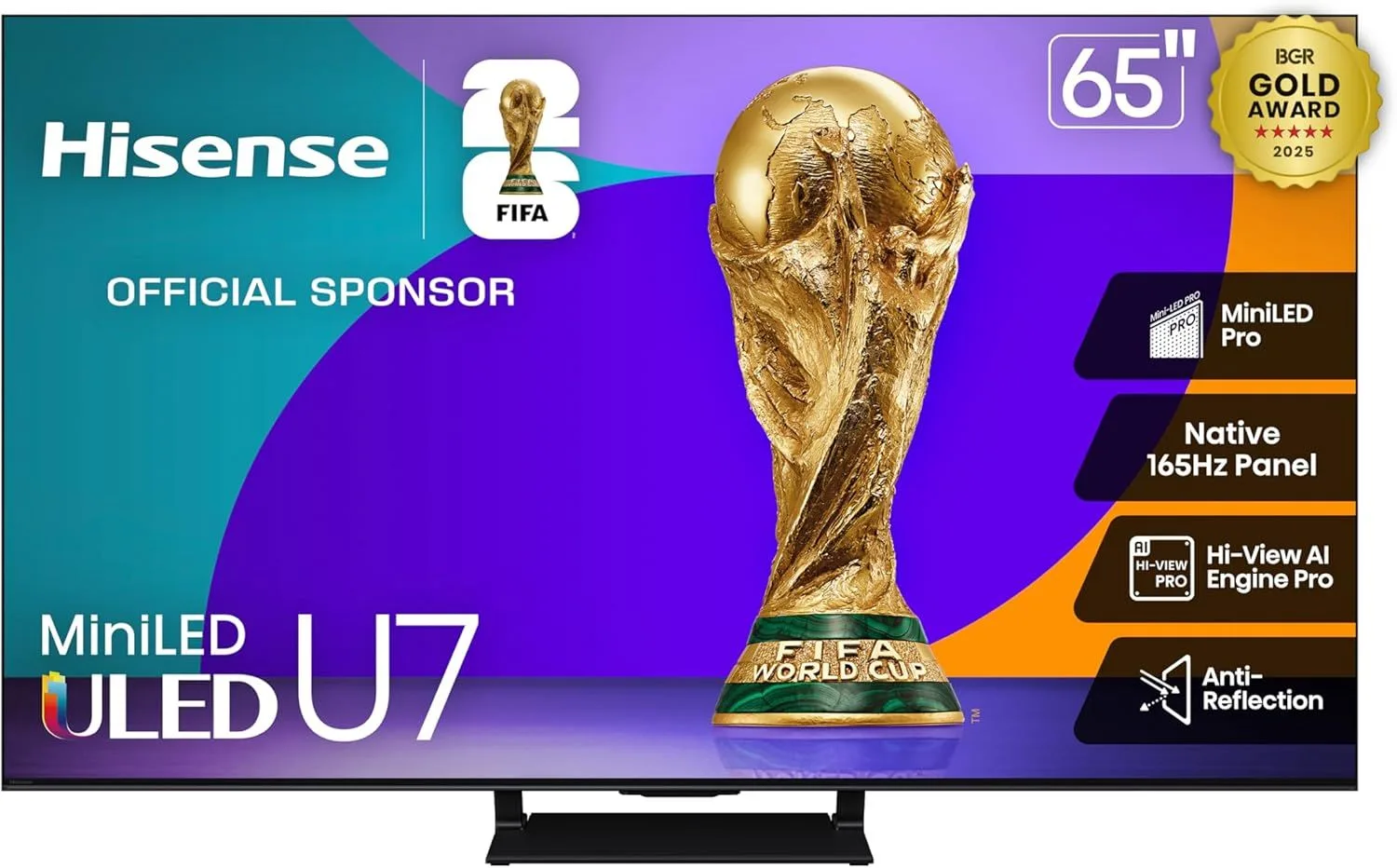
Peak brightness around 1800 nits makes HDR sports content look incredible — stadium lights pop, grass looks vivid, and sunlit scenes maintain detail. The Hisense 65" U75QG sits in the $500–$800 range and delivers brightness that rivals TVs costing twice as much.
Read our full Hisense 65" U75QG review
Sports TV Setup Tips
Most TVs have a dedicated Sports picture mode that optimizes motion handling and boosts color saturation for stadium footage. Try it — but compare it to Cinema mode, which some viewers prefer for more natural color.
A soundbar transforms sports viewing. Built-in TV speakers lack the bass and spatial separation that make crowd noise immersive. Even a modest soundbar with a subwoofer will make football and basketball feel dramatically more present.
For sports, sit closer than the standard 1.5x-screen-size recommendation. At 1.2x the screen diagonal — about 6.5 feet from a 65" TV — the screen fills more of your peripheral vision, which makes wide field shots feel immersive rather than distant.
Frequently Asked Questions
Why does motion handling matter so much for sports?
Sports involve constant fast motion — a football spiraling through the air, players sprinting across the field, a puck sliding across ice. TVs with poor motion handling blur these fast-moving objects, making the image look smeared. Higher refresh rates and better motion processing keep the picture sharp during action.
Is 120Hz necessary for watching sports?
Most broadcast sports are filmed at 30fps or 60fps, so 120Hz isn't strictly necessary. But 120Hz TVs interpolate extra frames to smooth out motion, and their faster pixel response times reduce blur. The difference is noticeable on fast pans across a football field or tracking a tennis ball.
Should I get a bigger screen for sports watching?
Bigger is almost always better for sports. A 75" TV fills more of your peripheral vision, which creates a more immersive game-day experience. If your viewing distance is 8-10 feet, a 65-75" screen is the sweet spot for sports.
Do I need a bright TV for sports?
If you watch games during the day in a room with windows, yes. Bright rooms wash out low-brightness TVs, making it hard to see detail. Look for TVs with at least 800 nits of peak brightness and anti-glare coatings. Samsung's anti-reflection tech is the best for sunny rooms.
What about wide viewing angles for watch parties?
VA panels lose color and contrast when viewed from the side. If you host game-day gatherings with people sitting across a wide seating area, look for IPS-based panels (LG NanoCell, LG OLED) or Samsung's wide-viewing-angle technology. OLED has the best viewing angles overall.
Find Your Sports TV
For bright rooms and watch parties, the Samsung 65" QN70F is our top recommendation — the anti-reflection coating alone is worth it. For the biggest screen on a tighter budget, the TCL 75" QM6K delivers 75 inches of Mini-LED brightness without breaking the bank.