Best TVs for PS5 & Xbox Series X
Both PS5 and Xbox Series X can push 4K at 120 frames per second — but only if your TV can keep up. We tested HDMI 2.1 TVs for the features console gamers actually use: VRR, ALLM, input lag, and 4K/120Hz output.
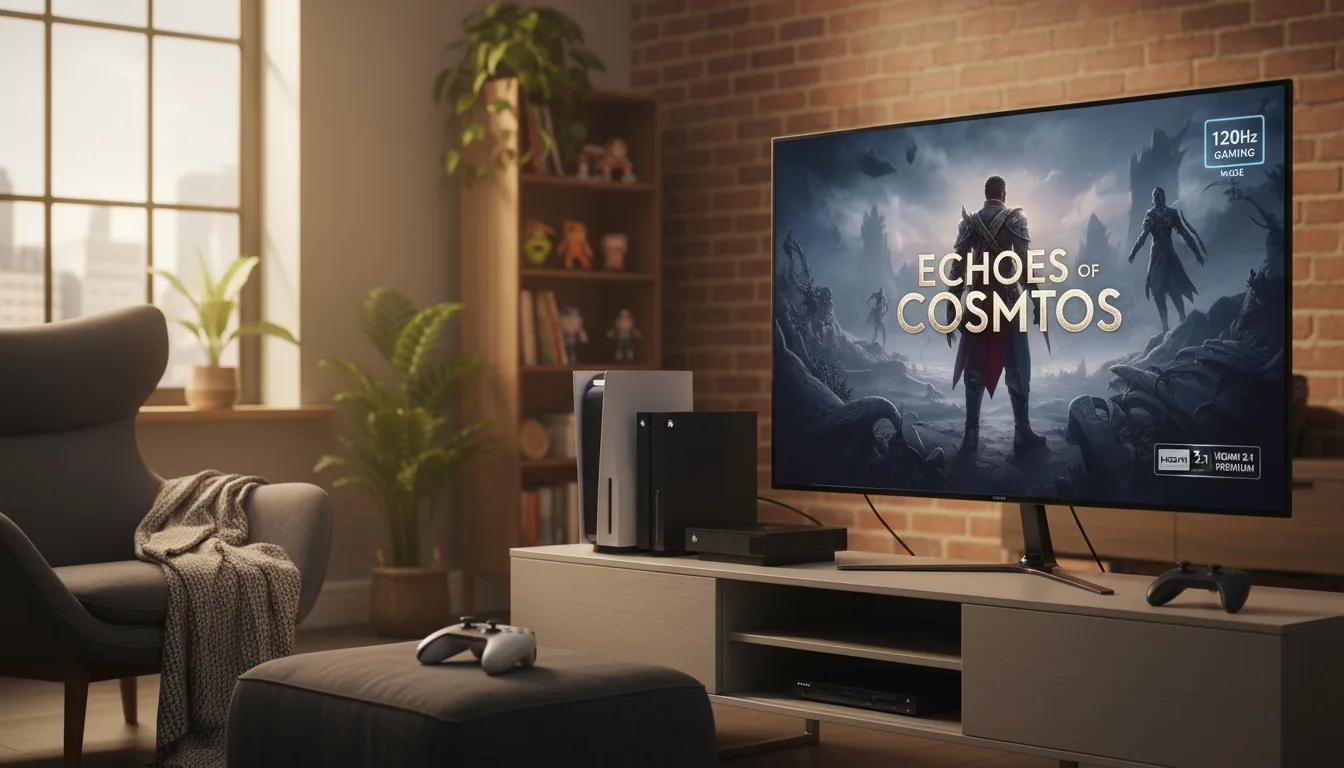
What Your Console Needs from a TV
The PS5 and Xbox Series X are the most capable consoles ever built — and most people are running them on TVs that bottleneck their potential. A 60Hz TV locks every game to 60fps, regardless of whether the console can push 120. An HDMI 2.0 port caps bandwidth at 18 Gbps, preventing 4K/120Hz signals from passing through.
The checklist is straightforward: HDMI 2.1 ports (at least one, preferably two), 120Hz refresh rate, VRR support, and ALLM. Every TV on this page meets all four requirements.
Console Gaming Must-Haves
HDMI 2.1: The Non-Negotiable
HDMI 2.1 delivers 48 Gbps of bandwidth — enough for 4K/120Hz, Dolby Vision, and VRR simultaneously. HDMI 2.0 maxes out at 18 Gbps, which caps you at 4K/60Hz. If you're buying a TV for PS5 or Xbox Series X, every port you use for a console must be HDMI 2.1.
VRR: Smooth Frames Without Tearing
When a game's frame rate fluctuates — dipping from 120fps to 80fps during an explosion, then climbing back up — VRR adjusts the TV's refresh rate in real time to match. Without VRR, those fluctuations cause screen tearing or stuttering. Both consoles support it, and every TV here does too.
ALLM: Automatic Game Mode
Without ALLM, you switch to game mode manually every time you play. With ALLM, the TV detects the console's signal and activates game mode automatically — dropping input lag from 30-50ms down to under 15ms without you touching a setting.
Input Lag: The Competitive Edge
In game mode, OLED TVs hit under 10ms of input lag. Most Mini-LEDs land between 8-15ms. At these speeds, the delay between pressing a button and seeing the result on screen is invisible. For competitive multiplayer — Fortnite, Warzone, Apex Legends — every millisecond counts.
PS5 vs Xbox HDMI features differ. Xbox Series X supports Dolby Vision gaming, AMD FreeSync Premium, and HDMI Forum VRR. PS5 supports HDR10 gaming, HDMI Forum VRR, and ALLM. If you own both consoles, prioritize TVs with broad feature support — LG OLEDs support all of the above.
Top Picks for PS5 and Xbox
1. LG 55" OLED evo C5 Smart TV (2025) — The Console Gamer's TV
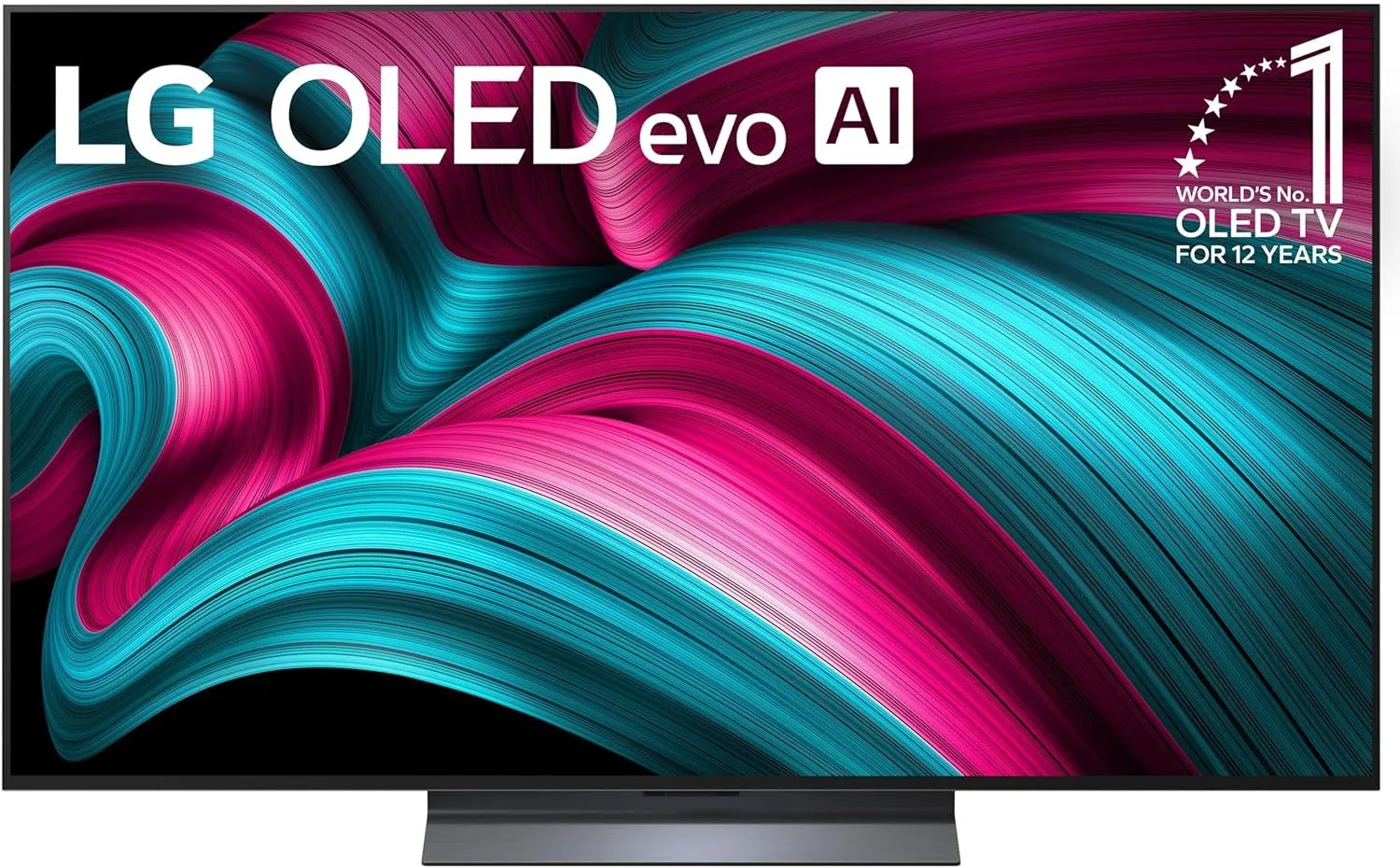
Four HDMI 2.1 ports — connect your PS5, Xbox, Switch, and soundbar without swapping a single cable. The LG 55" OLED C5's sub-1ms response time and near-instant pixel switching make it the fastest gaming TV available. Priced at $800–$1,200, it's the benchmark for a reason.
Read our full LG 55" OLED C5 review
2. TCL 65" QM7K QD-Mini LED 144Hz Smart TV — Best Mini-LED for Console Gaming
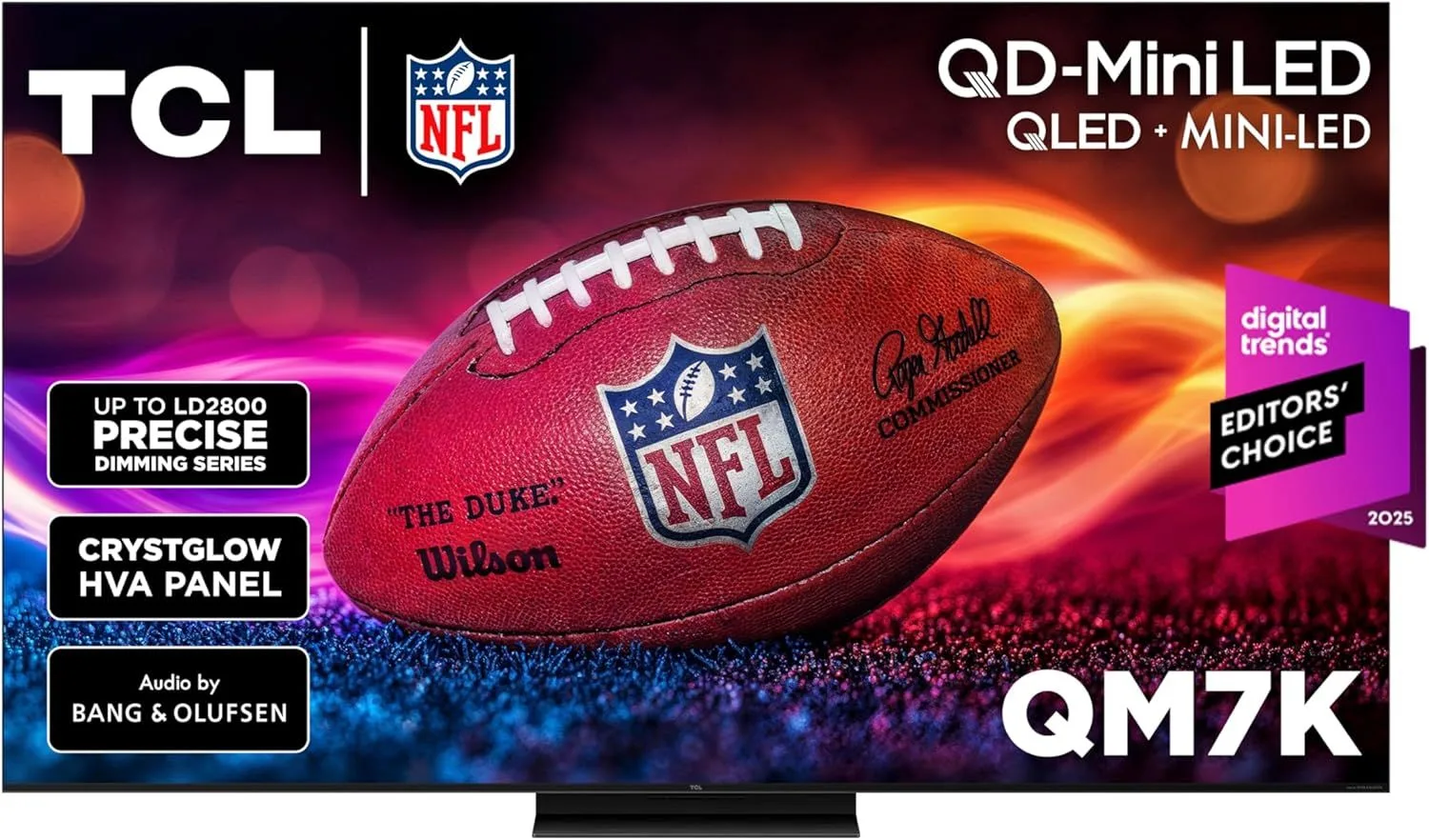
If you want 65 inches of gaming screen with Mini-LED brightness, the TCL 65" QM7K delivers 1000+ dimming zones and 144Hz. Two HDMI 2.1 ports support both consoles simultaneously at 4K/120Hz. The Game Accelerator mode further reduces input lag during competitive play. Priced in the $800–$1,200 range.
Read our full TCL 65" QM7K review
3. TCL 55" QM6K QD-Mini LED 144Hz Smart TV — Best Budget Console TV
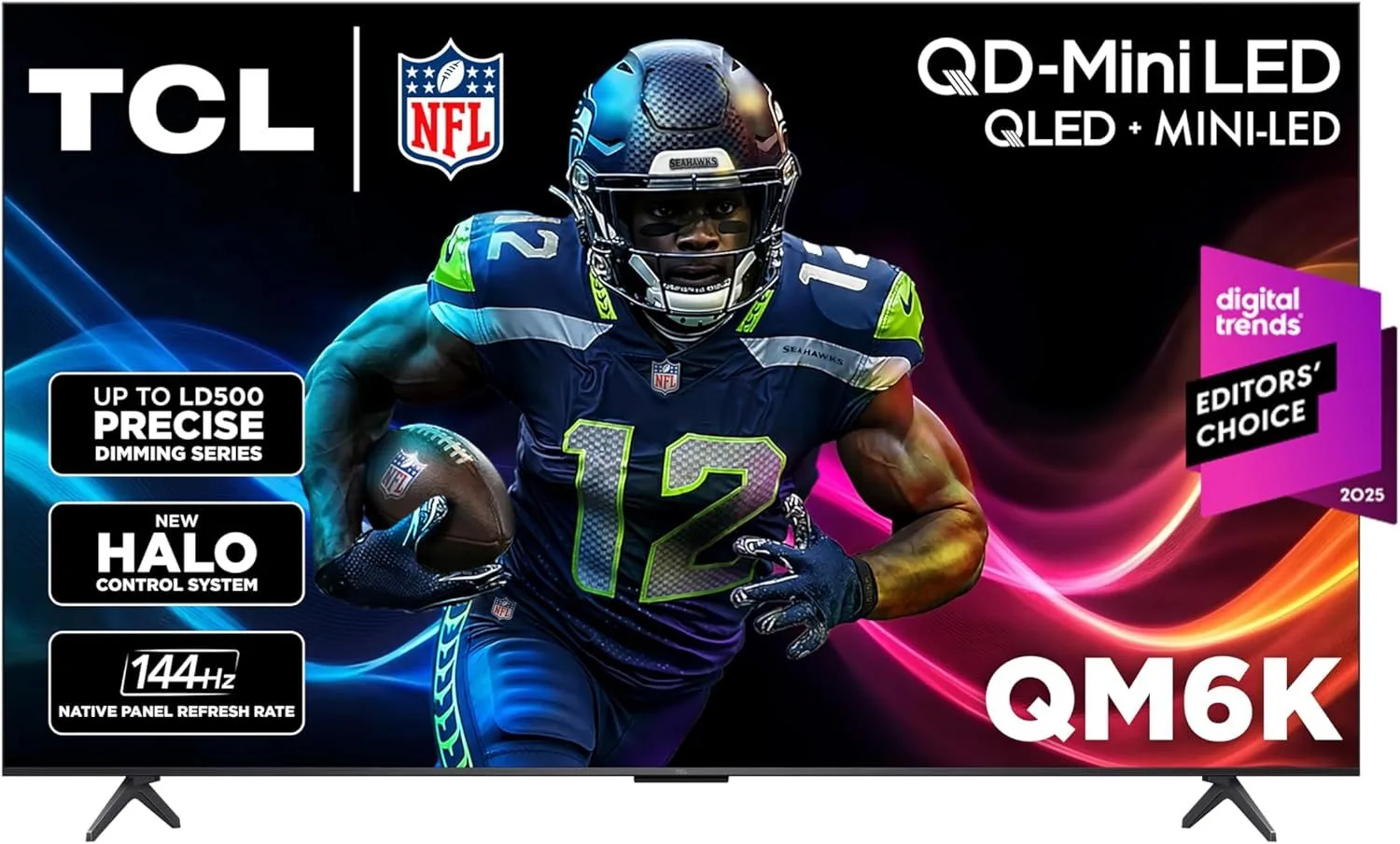
Mini-LED, 144Hz, and two HDMI 2.1 ports at $300–$500. The TCL 55" QM6K is the most affordable way to unlock the PS5 and Xbox's full 4K/120Hz potential with VRR support. The picture quality punches well above this price tier.
Read our full TCL 55" QM6K review
4. Hisense 55" U8QG Mini-LED 144Hz Smart Google TV — Flagship Specs at Mid-Range Price
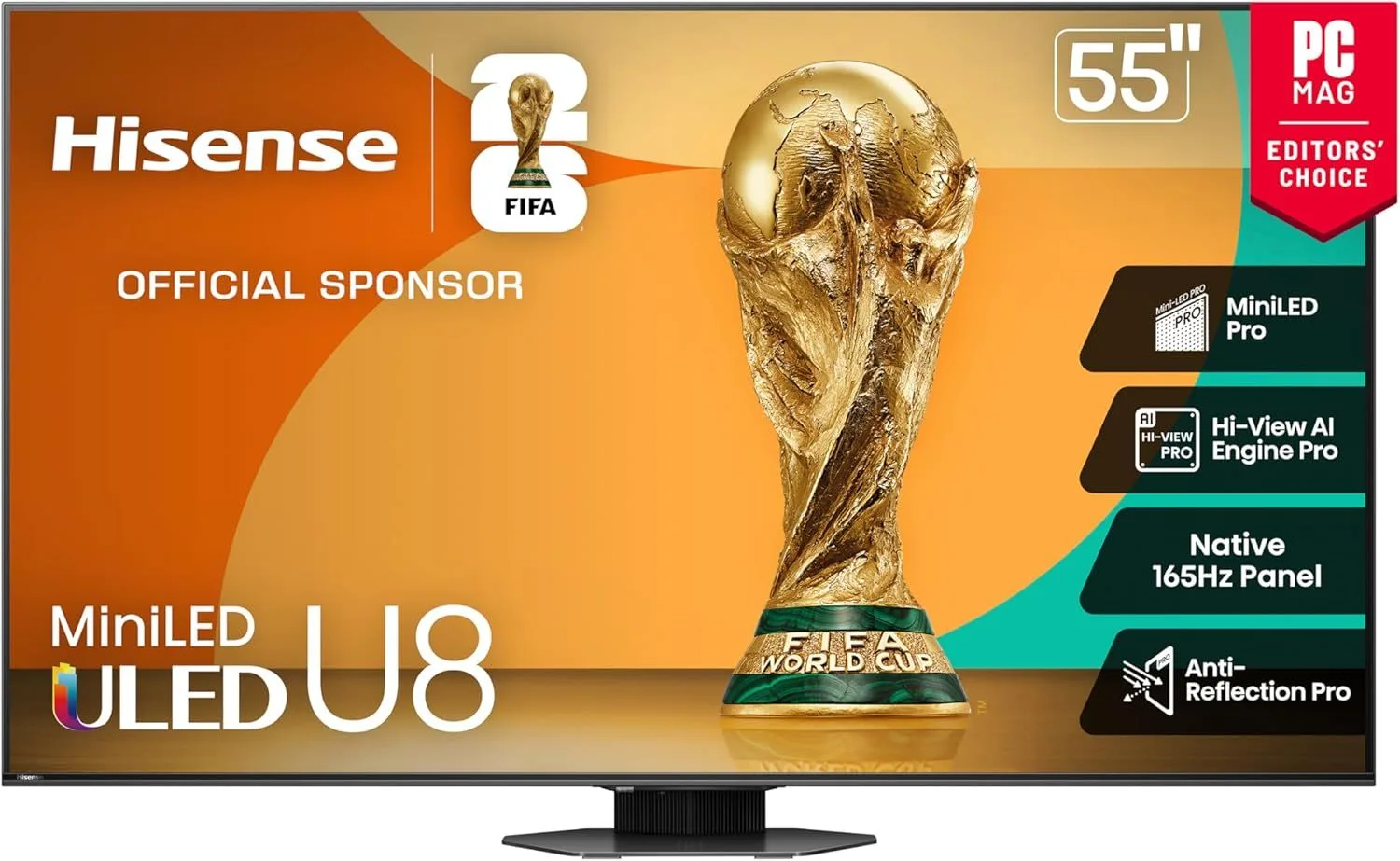
Around 1000 dimming zones and 2000 nits on a 55-inch screen — the Hisense 55" U8QG is a spec powerhouse for the $500–$800 bracket. The 144Hz panel and VRR make every 120fps game look buttery smooth. Narrow viewing angles are the trade-off, but for a dedicated gaming setup, that's rarely a problem.
Read our full Hisense 55" U8QG review
5. Samsung 65" Q8F QLED AirSlim Smart TV (2025) — Best Samsung for Consoles
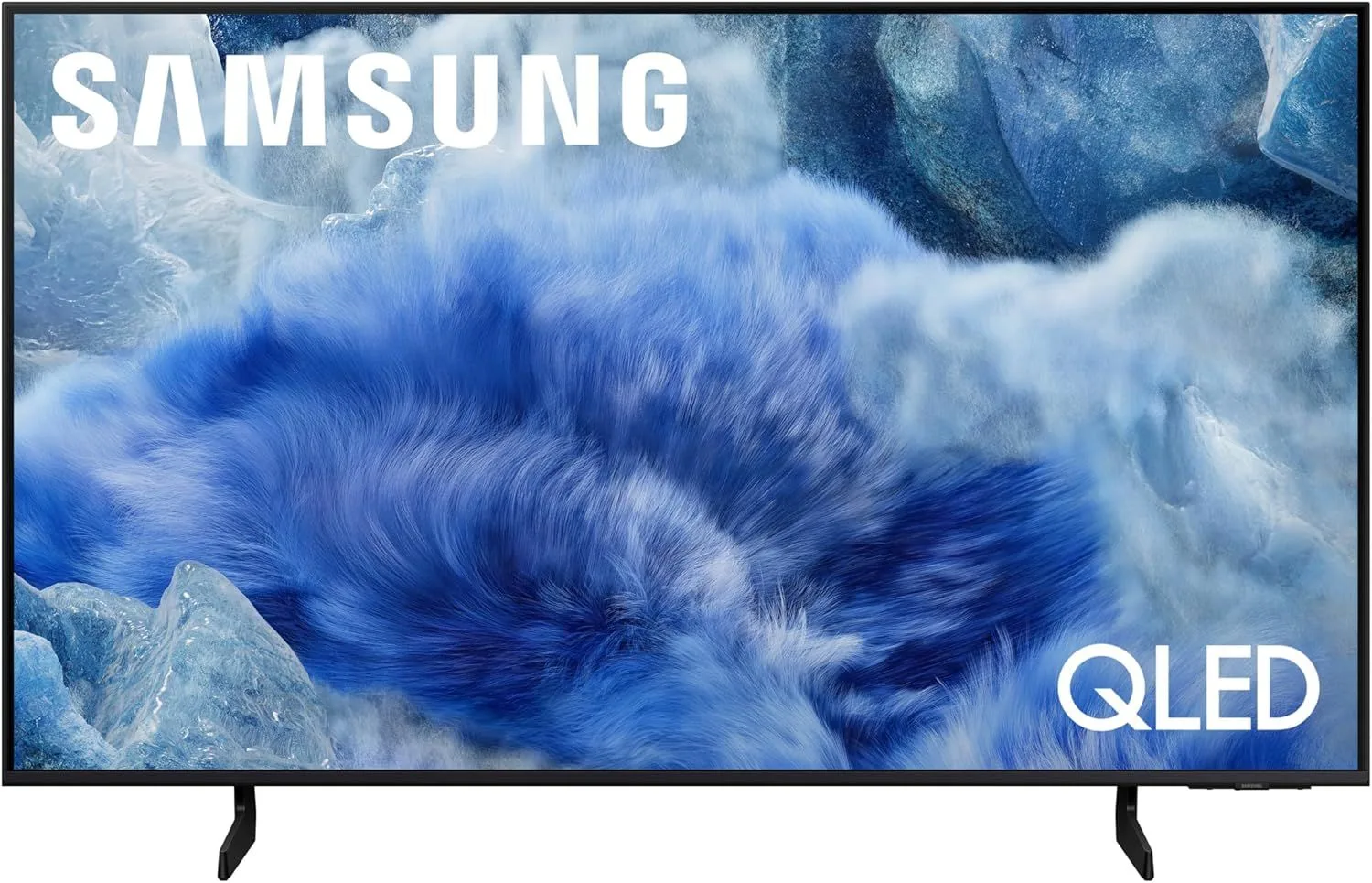
Two HDMI 2.1 ports, Samsung Gaming Hub with cloud gaming, and local dimming for better dark scene performance. The Samsung 65" Q8F QLED sits in the $500–$800 range. No Dolby Vision is the Samsung compromise, but HDR10+ gaming looks solid, and the 40W speakers are above average.
Read our full Samsung 65" Q8F QLED review
Console Setup Tips
Both PS5 and Xbox require you to enable 120Hz output in system settings — it's not on by default. On PS5: Settings > Screen and Video > Video Output > Enable 120Hz Output. On Xbox: Settings > General > TV & Display > Refresh Rate > 120Hz.
On TVs with mixed HDMI ports, connect your console to a port labeled "HDMI 2.1" or "4K/120Hz." Some TVs label these as "Game" or mark them with a specific number. Using a 2.0 port silently caps your output at 4K/60Hz with no error message.
Not all HDMI cables support 2.1. The cable that came in the box with your PS5 or Xbox supports HDMI 2.1. If you need a longer cable, buy one labeled "Ultra High Speed HDMI" — standard "High Speed" cables max out at HDMI 2.0 bandwidth and will silently limit your output.
Frequently Asked Questions
Do PS5 and Xbox Series X actually need HDMI 2.1?
For 4K/120fps gaming, yes — HDMI 2.0 maxes out at 4K/60fps. Both consoles support 4K/120Hz in titles like Call of Duty, Fortnite, Rocket League, and Halo Infinite. Without HDMI 2.1, you can play these games but are locked to 60fps. If you mostly play story-driven games at 30-60fps, HDMI 2.0 works fine.
What is ALLM and why do consoles use it?
Auto Low Latency Mode (ALLM) tells the TV to switch to game mode automatically when it detects a gaming console signal. Without ALLM, you manually switch picture modes every time you go from streaming to gaming. Both PS5 and Xbox Series X send ALLM signals, and all HDMI 2.1 TVs respond to them.
Is the LG C5 still the best TV for PS5?
It remains the gold standard for console gaming. Four HDMI 2.1 ports, sub-1ms response time, VRR, and ALLM — plus Dolby Vision gaming that PS5 supports. The only reason to consider alternatives is if you need more brightness (Mini-LED) or a larger screen size without the OLED premium.
Can I connect both PS5 and Xbox to the same TV?
Yes, as long as the TV has at least two HDMI 2.1 ports. Connect each console to a separate 2.1 port for simultaneous 4K/120Hz capability. TVs with only one 2.1 port force you to either swap cables or run one console at 4K/60Hz on an older HDMI port.
Does PS5 support VRR?
Yes, PS5 added VRR support via firmware update. It works with HDMI Forum VRR — the standard supported by most 2.1 TVs. Note that PS5's VRR implementation currently requires the game to run at 48fps or higher; dips below that can still cause tearing.
What about Dolby Vision gaming?
Xbox Series X supports Dolby Vision gaming natively. PS5 does not — it outputs in HDR10 only during gameplay (Dolby Vision is available in PS5 media apps). If Dolby Vision gaming matters to you, it's an Xbox advantage. In practice, the difference between Dolby Vision and well-implemented HDR10 during gameplay is subtle.
Unlock Your Console's Potential
The LG 55" OLED C5 remains the definitive console gaming TV — four HDMI 2.1 ports and sub-1ms response time are unmatched. For serious gaming on a more realistic budget, the TCL 55" QM6K gives you 4K/120Hz with Mini-LED quality at the $300–$500 level.