TV Refresh Rate Explained: 60Hz vs 120Hz vs 144Hz
Refresh rate is how many times per second your TV updates the image. 60Hz means 60 updates per second. 120Hz means 120. 144Hz means 144. Higher refresh rates produce smoother motion -- but whether you need that smoothness depends entirely on what you watch and whether you game.
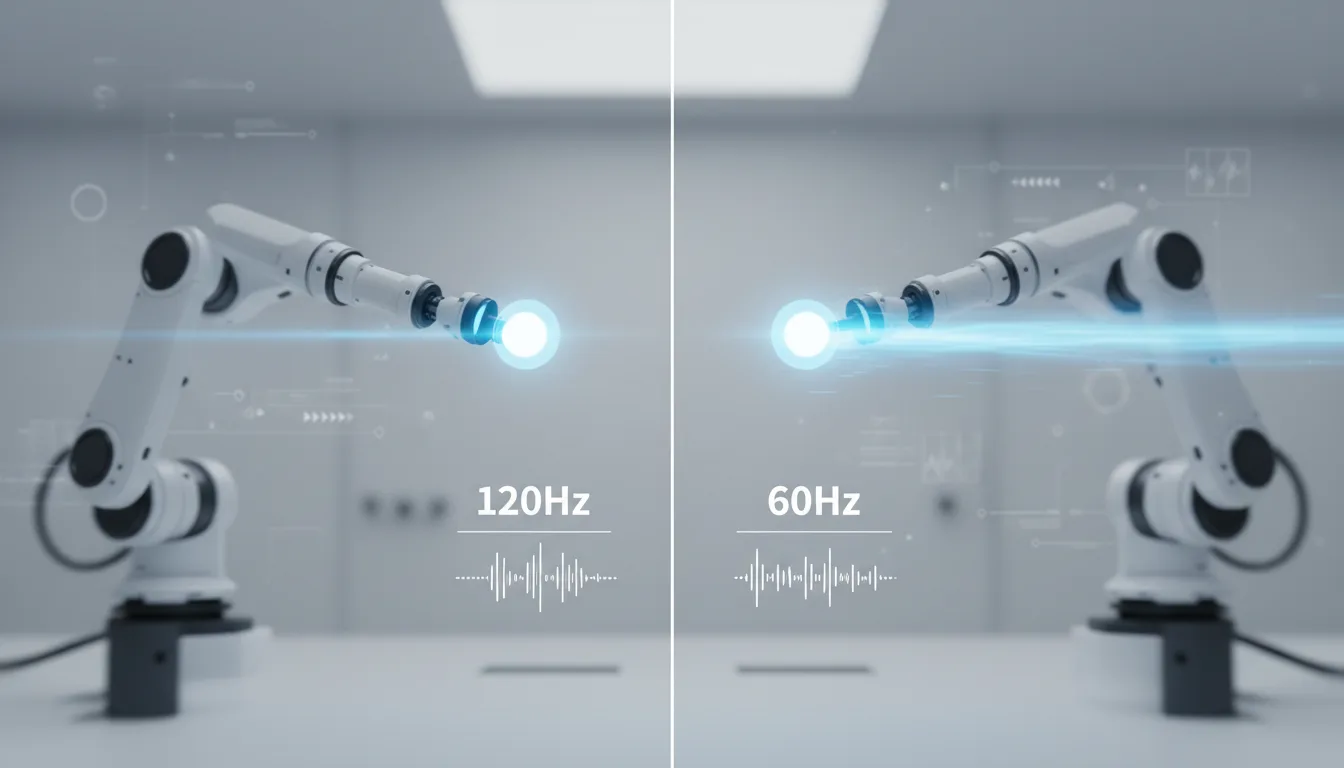
What Refresh Rate Actually Means
Think of refresh rate as the speed limit of your screen. A 60Hz TV can display a maximum of 60 unique frames per second. A 120Hz TV can display 120. If the content you're watching is 24 frames per second (movies) or 30 frames per second (most streaming), even a 60Hz TV is displaying each frame multiple times to fill the gap. The screen isn't the bottleneck -- the content is.
Refresh rate matters most when the content matches or exceeds the panel's capability. A PS5 outputting a 120fps game signal to a 120Hz TV produces genuinely smoother motion than the same game at 60fps on a 60Hz panel. A 24fps movie on a 120Hz TV looks identical to a 24fps movie on a 60Hz TV (assuming motion interpolation is disabled).
60Hz: More Than Enough for Most Viewers
Every budget TV in our catalog -- from the Insignia 55" Fire TV to the Toshiba C350 -- runs at 60Hz. For streaming Netflix, watching YouTube, catching the news, or casual channel surfing, 60Hz is perfectly adequate. You're not missing anything if your TV usage doesn't include gaming or live sports.
Movies are filmed at 24fps. Most TV shows are 30fps. Streaming services deliver at 24-60fps. A 60Hz panel handles all of this without breaking a sweat.
Marketing watch: "Motion Rate" and "Clear Motion." TV manufacturers inflate refresh rate numbers with marketing terms. Samsung's "Motion Rate 120" means a 60Hz panel with processing tricks. Sony's "Motionflow XR 240" is also a 60Hz panel. Always check the actual panel refresh rate in the specs -- not the marketing label. Our reviews list the real panel refresh rate for every TV.
120Hz: The Gamer and Sports Fan Standard
120Hz is the real upgrade from 60Hz. It provides two concrete benefits:
Smoother Gaming
PS5 and Xbox Series X can output select games at 120fps -- Fortnite, Call of Duty, Rocket League, Halo, and others. At 120Hz, motion is noticeably smoother, camera movements feel more responsive, and input lag drops. The LG C5 OLED at 120Hz with sub-1ms response time is the gold standard for TV gaming. The Samsung Q7F brings 120Hz to a more accessible price point.
Competitive gamers notice the difference immediately. Casual gamers who play single-player story games at 60fps will see less benefit.
Better Motion Handling for Sports
Live sports broadcast at 60fps, but a 120Hz panel renders those frames with less motion blur and smoother camera panning. Football receivers running routes, soccer balls crossing the field, and hockey pucks tracking across the ice all look cleaner on a 120Hz panel. The improvement isn't dramatic, but it's visible during fast action sequences.
You don't need an OLED for 120Hz. The Samsung 55" Q7F QLED and the Roku 65" Pro Series both deliver 120Hz panels at mid-range prices. For budget-conscious gamers, the TCL 55" QM6K adds 144Hz with Mini-LED backlighting at a competitive price point.
144Hz: Diminishing Returns (But Real Ones)
TCL offers 144Hz panels across their Mini-LED lineup -- the QM6K, T7, QM7K, and QM8K at 165Hz. The jump from 120Hz to 144Hz is far less perceptible than 60Hz to 120Hz. Each additional frame per second adds less perceived smoothness.
The practical benefit of 144Hz is primarily for PC gamers who can push frame rates above 120fps. Console gamers on PS5 and Xbox Series X are capped at 120fps, making 144Hz functionally identical to 120Hz for consoles.
Don't pay a premium specifically for 144Hz over 120Hz. But if two TVs are similarly priced and one offers 144Hz, take it. The extra headroom doesn't hurt.
Related Tech: VRR, ALLM, and Input Lag
Refresh rate doesn't exist in isolation. Three related features matter for gaming:
VRR (Variable Refresh Rate)
VRR synchronizes the TV's refresh rate with the game's frame rate in real time. If a game fluctuates between 80fps and 120fps, VRR matches the TV's refresh to each frame, preventing screen tearing (visible horizontal line artifacts) and stuttering. Most 120Hz TVs with HDMI 2.1 support VRR. It is virtually mandatory for gaming.
ALLM (Auto Low Latency Mode)
ALLM automatically switches the TV to its lowest-latency game mode when a console is detected. Without it, you have to manually enable game mode each time. A small quality-of-life feature, but one that prevents forgetting to switch modes and gaming with 100ms+ input lag.
Input Lag
Input lag is the delay between pressing a button and seeing the result on screen. A TV with 10ms input lag feels responsive. A TV with 50ms input lag feels sluggish. Refresh rate affects input lag: 120Hz panels inherently have lower minimum input lag than 60Hz panels because frames arrive twice as fast. OLED panels add near-zero pixel response time on top of that.
All three matter together. A 120Hz TV without VRR produces tearing. A 120Hz TV with VRR but high input lag feels laggy. The best gaming TVs combine 120Hz, VRR, ALLM, and low input lag in game mode. Check our Gaming TV Buying Guide for specific input lag measurements.
When to Pay for Higher Refresh Rate
| Your Primary Use | 60Hz | 120Hz | 144Hz |
|---|---|---|---|
| Netflix / Streaming | Fine | Overkill | Overkill |
| Casual Console Gaming | Adequate | Ideal | No benefit |
| Competitive Gaming | Limiting | Great | Ideal (PC) |
| Live Sports | Adequate | Better | No benefit |
| Movies (24fps) | Fine | Same | Same |
The Bottom Line
If you don't game and don't watch much live sports, save your money and buy a 60Hz TV. The picture quality difference from panel technology (QLED, Mini-LED, OLED) and screen size matters far more than refresh rate for typical streaming and movie viewing.
If you game on PS5 or Xbox, 120Hz is the upgrade that matters. The combination of smoother gameplay, VRR, and lower input lag is a tangible improvement that justifies the step up from budget 60Hz panels.
If you game on PC, 144Hz is a nice bonus when available at no extra cost. Don't pay a premium for it over 120Hz unless you routinely push 140+ fps in your games of choice.
Frequently Asked Questions
Can the human eye see the difference between 60Hz and 120Hz?
Yes, and the difference is obvious. Motion appears smoother, camera pans look more fluid, and fast-moving objects (sports, gaming) have less blur. Most people notice the difference within seconds when switching between a 60Hz and 120Hz display showing the same content.
Do I need 120Hz for watching Netflix?
No. Virtually all streaming content is produced at 24fps (movies) or 30fps (most shows). A 60Hz TV displays this content perfectly. 120Hz improves the experience with motion interpolation (soap opera effect), but many viewers prefer to turn that off. 120Hz benefits are most visible in gaming and live sports.
Is 144Hz worth it over 120Hz on a TV?
The difference between 120Hz and 144Hz is minimal for most content. Games can run at 144fps on PC, so PC gamers may notice the extra smoothness. Console gamers are capped at 120fps on PS5 and Xbox Series X, making 144Hz functionally identical to 120Hz for consoles. It is a nice-to-have, not a must-have.
What is motion interpolation (soap opera effect)?
Motion interpolation is a TV processing feature that generates intermediate frames between real frames to simulate higher frame rates. It makes 24fps movies look like 60fps video, which many people find unnatural (the "soap opera effect"). Most TVs let you disable it. On higher refresh rate TVs, the interpolation can be more subtle because the panel updates faster.
Does 120Hz reduce motion blur?
Yes. Each frame is displayed for half the time compared to 60Hz, reducing the persistence blur that the eye perceives during fast motion. OLED panels benefit even more because their near-instant pixel response times combine with higher refresh rates for the cleanest motion available.
Can a 60Hz TV play PS5 games?
Yes. PS5 games output at 60fps by default, which a 60Hz TV displays without issue. You miss out on 120fps performance mode (available in some games like Fortnite and Call of Duty), VRR, and ALLM. Casual gamers on 60Hz TVs will not have a bad experience -- they just won't have the smoothest one.