TV Burn-In: Myth vs Reality in 2026
Burn-in on modern OLED TVs is real but massively overstated as a concern for typical home viewers. The organic pixels do degrade unevenly over time, and static images displayed for thousands of hours can leave permanent ghost images. But 2024-2026 era OLEDs include aggressive mitigation features that make burn-in a non-issue for the vast majority of buyers watching varied content.
What Burn-In Actually Is
OLED pixels are organic compounds that emit light when electricity passes through them. Over time, these organic materials degrade -- they produce less light as they age. This degradation is normal and happens to every pixel uniformly during standard use.
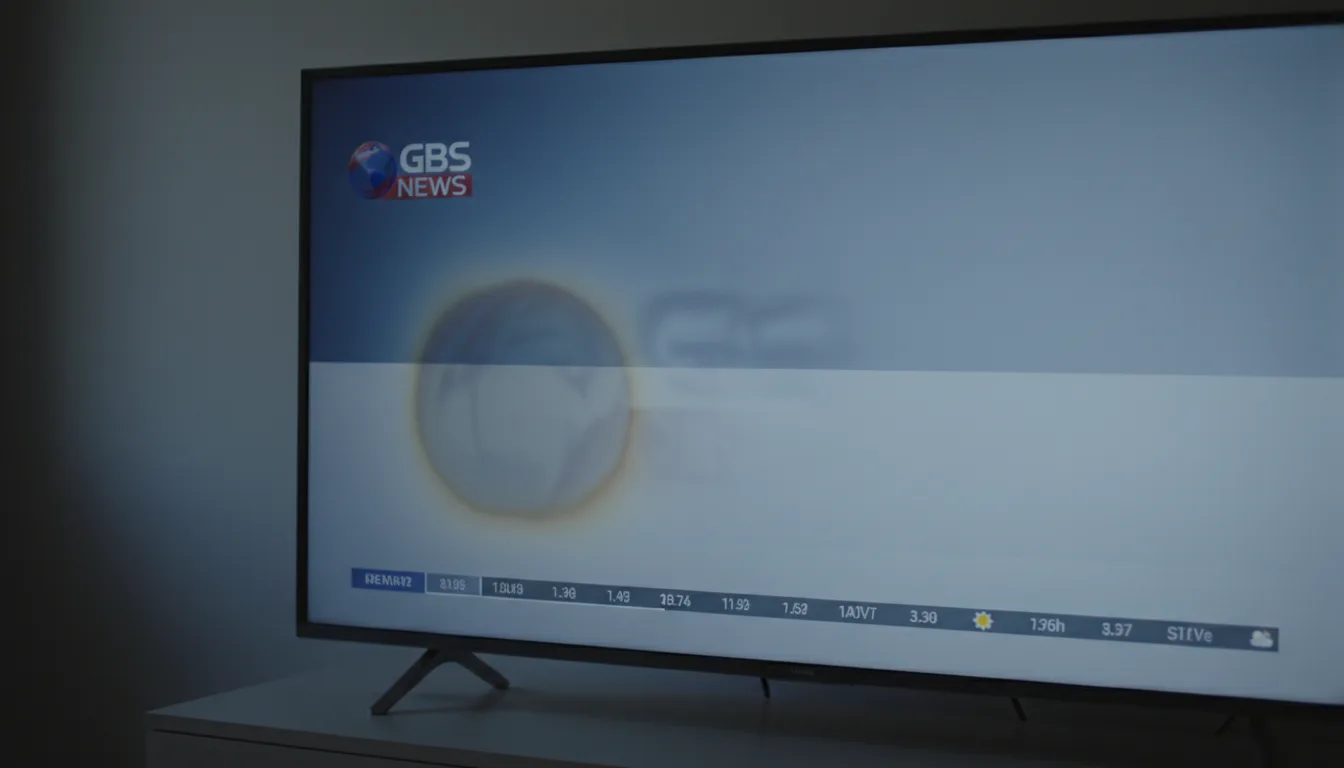
Burn-in occurs when some pixels degrade faster than others. A channel logo, news ticker, or game HUD that sits in the same position for thousands of hours forces those pixels to work harder than surrounding areas. They age faster. Eventually, a faint ghost of that static element persists even when different content fills the screen.
This is fundamentally different from "image retention," which is a temporary ghost image that fades within minutes or after running a pixel refresh cycle. Retention is harmless and common on all OLED TVs. Burn-in is permanent pixel degradation that cannot be fully reversed.
The RTINGS Long-Term Data
RTINGS.org runs the most comprehensive OLED burn-in test in existence -- multiple TVs running different content patterns 24/7 for years. Their findings consistently show that varied content viewing does not produce visible burn-in within normal TV lifespans.
Panels showing CNN (bright static logo, persistent news ticker, on-screen scoreboard) developed visible burn-in after roughly 4,000-5,000 hours of continuous display. Panels cycling through varied content -- movies, shows, games, different streaming apps -- showed minimal degradation even after exceeding that threshold by a wide margin.
For context: 5,000 hours at 5 hours of daily viewing equals 2.7 years of the same channel running every single viewing session. Most households rotate between streaming apps, gaming, sports, and movies, distributing pixel wear evenly across the entire panel.
The practical litmus test: If you watch 3-4 hours of varied content daily -- different shows, movies, games, streaming services in rotation -- burn-in is not a realistic concern on any modern OLED. If you leave one news channel running 10+ hours a day, buy a Mini-LED instead.
How the LG C5 and G5 Prevent Burn-In
LG has invested heavily in burn-in mitigation across their 2024-2026 OLED lineup. The LG C5 and G5 include four layers of active protection running simultaneously.
Pixel Shift
The TV periodically moves the entire image by a few pixels in random directions. The shift is invisible during normal viewing -- you would need a ruler against the screen to detect it. But it ensures no single pixel renders the exact same color at the exact same brightness indefinitely. This runs automatically and should not be disabled.
Automatic Brightness Limiter (ABL)
When large static bright areas fill the screen, the TV gradually reduces their brightness. A full-screen white image will dim over several seconds. This prevents the brightest pixels from aging disproportionately. Some enthusiasts find ABL frustrating during HDR content with large bright highlights, but it directly extends panel lifespan.
Logo Luminance Adjustment
The alpha 11 Gen2 processor in the C5 detects persistent static elements -- channel logos, game HUDs, news tickers, scoreboard overlays -- and automatically reduces the brightness of those specific screen regions. This is the most targeted prevention feature because it addresses the exact content patterns most likely to cause burn-in without altering the rest of the image.
Panel Refresh Cycle
When the TV enters standby after 4+ cumulative hours of use, it runs a compensating cycle that measures each pixel's output and applies voltage adjustments to equalize brightness across the entire panel. This "heals" any mild uneven wear accumulated during viewing. The short cycle takes 10-15 minutes. A longer compensation cycle runs automatically after approximately 2,000 hours of cumulative use.
The panel refresh cycle only runs when the TV enters standby -- not when you cut power at the wall outlet. If you routinely unplug the TV or flip a power strip switch after use, the compensating cycle never gets a chance to run. Let the TV go to standby naturally after extended viewing sessions. It is doing necessary maintenance.
Tandem OLED: The G5's Durability Advantage
The LG G5 uses tandem OLED -- two stacked OLED layers that share the work of producing light. Each individual layer operates at lower voltage and lower thermal stress to achieve the same (or higher) combined brightness output. Lower per-layer stress theoretically means slower organic compound degradation and improved burn-in resistance.
The engineering principle is well-established in commercial and industrial OLED applications where longevity matters. But consumer tandem OLED launched in 2025, and we don't yet have multi-year real-world data specific to the G5's consumer implementation. Early signals from LG Display's accelerated testing are encouraging, and the physics are sound -- driving organic compounds at half voltage should extend their useful life. "Should last longer" and "proven to last longer" remain different claims for now.
Who Actually Needs to Worry
Burn-in risk is not evenly distributed. Specific viewing patterns carry noticeably different risk profiles.
High Risk: Commercial and Signage Displays
Retail displays, restaurant menu boards, hotel lobby screens, and airport monitors run static or near-static content at high brightness for 12-18 hours daily. OLED is unsuitable for these installations. This is where most real-world burn-in horror stories originate -- and they are routinely misapplied to home viewing scenarios that bear no resemblance to commercial use.
Moderate Risk: Single-Channel Marathons
Households that leave one news channel running 8+ hours daily, every day, across months and years. The static lower-third ticker, persistent channel logo, and recurring score graphics accumulate uneven pixel wear over time. Modern logo luminance detection helps substantially, but this viewing pattern still carries more risk than varied use.
Low Risk: Heavy Gaming with Static HUDs
Games with persistent mini-maps, health bars, ammo counters, and inventory overlays were a legitimate early concern. But most gamers play multiple titles in rotation, and sessions rarely exceed 4-6 continuous hours. The C5's game optimizer mode detects and dims static HUD elements automatically. Unless you play one title exclusively for thousands of hours at maximum brightness, this is manageable.
Minimal Risk: Mixed-Use Viewing
Streaming services, movies, different shows, gaming sessions, sports broadcasts -- all in rotation across a typical week. This distributes pixel wear so evenly that burn-in is essentially a non-issue within the panel's expected lifespan. This is how the majority of households actually use a TV.
The Burn-In-Free Alternative
If burn-in risk is a genuine dealbreaker for your specific use case -- not just a theoretical worry but something that would change how you use the TV -- Mini-LED eliminates the concern entirely.
The TCL QM7K with 1000+ dimming zones delivers contrast that approaches OLED levels in many scenes. The Samsung QN70F adds the industry's best anti-reflection coating for bright rooms. Neither technology uses organic compounds, so burn-in is physically impossible regardless of viewing habits.
Mini-LED won't fully match OLED's per-pixel contrast in dark room viewing -- you will see some blooming around bright objects on dark backgrounds. But for households with use patterns that include heavy static content, Mini-LED offers peace of mind without sacrificing the core viewing experience.
Prevention Habits That Work
A handful of simple habits reduce burn-in risk to near-zero on any modern OLED panel:
- Watch varied content. Switching between shows, movies, games, and apps is the single most effective prevention. More variety means more even pixel aging across the panel.
- Leave pixel shift enabled. It ships enabled by default. Don't disable it.
- Use standby instead of killing power. The panel refresh cycle needs standby mode to run its compensation routine.
- Keep OLED Light below maximum for static content. Running at 80% instead of 100% substantially reduces wear on bright static elements without a visible quality loss.
- Enable the screensaver. When you pause a game or leave a static app menu visible, let the screensaver activate after a few minutes of inactivity.
- Rotate background noise sources. If the TV runs as background noise, use a streaming service that changes thumbnails and interfaces rather than a news channel with a persistent ticker.
Burn-In vs No-Burn-In: Quick Comparison
| Attribute | OLED (C5, G5) | Mini-LED / QLED |
|---|---|---|
| Burn-in possible? | Yes (low risk with varied use) | No |
| Image retention? | Temporary, self-resolving | Rare, self-resolving |
| Warranty covers it? | Yes (LG, varies by region) | N/A |
| Safe for commercial use? | No | Yes |
| Safe for home use? | Yes | Yes |
What About the LG C4 at Closeout?
The LG C4 at closeout pricing uses the same WOLED evo panel technology with nearly identical burn-in prevention features. The C5's alpha 11 Gen2 processor handles logo detection and pixel management modestly better, but the C4's protection suite is more than adequate for home use. Burn-in resistance should not factor into the C4 vs C5 decision -- both panels are equally resilient under normal varied viewing conditions.
The confidence signal: LG covers burn-in under warranty on their OLEDs. Manufacturers do not warranty defects they expect to be common. The warranty coverage itself is evidence that LG's internal data shows burn-in is rare under normal home use conditions.
The Honest Verdict
Burn-in is not a myth. It is a real physical process affecting all OLED panels. But the risk has been reduced so substantially by modern mitigation technology that it should not be the deciding factor for most home TV buyers.
If you watch varied content, switch between apps, and let the TV manage its own health features, burn-in is unlikely to affect you within the panel's useful lifespan. Millions of households use OLED TVs daily without incident.
If your use case involves persistent static content for many hours daily -- commercial signage, a single news channel as all-day background noise, or one game played 8+ hours every day -- Mini-LED is the safer choice. Not because OLED is bad, but because you are pushing into territory where prevention features cannot fully compensate.
Frequently Asked Questions
How long does it take for OLED burn-in to happen?
Under normal varied viewing habits, burn-in is unlikely to appear within the typical 5-7 year lifespan of a TV. RTINGS.org ran a long-term burn-in test showing that varied content viewing produced no visible burn-in after thousands of hours. Static content displayed for 6+ hours daily can produce visible retention after several months to a year, depending on brightness settings.
Is OLED burn-in covered under warranty?
LG covers burn-in under their standard manufacturer warranty for the first several years, depending on model and region. This is a strong signal that LG is confident in modern OLED durability. Check the specific warranty terms for your model, as coverage periods vary by year and region.
Does the LG C5 have burn-in protection?
Yes. The C5 includes pixel shift (moves the entire image by a few pixels periodically), automatic brightness limiter (reduces brightness on large static areas), panel refresh cycle (runs during standby to equalize pixel wear), and logo luminance adjustment (detects and dims persistent static elements like channel logos).
Can burn-in be fixed once it happens?
Mild image retention -- temporary ghost images -- usually resolves on its own or with a panel refresh cycle. True burn-in (permanent pixel degradation) cannot be fully reversed. Prevention is far more effective than correction. LG's built-in pixel refresh can reduce the appearance of mild burn-in, but severe cases require panel replacement.
Is the tandem OLED (G5) more resistant to burn-in?
In theory, yes. Tandem OLED uses two stacked OLED layers, so each layer runs at lower power to achieve the same brightness. Lower power per pixel means less thermal stress and potentially slower degradation. But it is too early for long-term real-world data on tandem OLED burn-in rates specifically.
Should I avoid OLED if I watch a lot of news or sports?
News channels with persistent tickers and logos are the highest-risk content for burn-in. Sports are lower risk because the action is dynamic -- scoreboards are small and the rest of the image changes constantly. If you watch 4+ hours of one news channel daily with the ticker displayed, consider Mini-LED instead. For 2-3 hours of varied sports and shows, burn-in risk is minimal on modern panels.
What is the difference between image retention and burn-in?
Image retention is temporary -- a faint ghost image visible after displaying static content for an extended period. It fades within minutes to hours or after a pixel refresh cycle. Burn-in is permanent uneven pixel degradation that no refresh cycle can fully fix. If the ghost disappears after switching content and waiting, it was retention, not burn-in.
Ready to Decide?
If burn-in was the one concern holding you back from OLED, modern panels have largely addressed it. Read our OLED vs Mini-LED breakdown for the full technology comparison, or browse the best OLEDs of 2026 to find the right model. If you'd rather eliminate the concern entirely, our Mini-LED picks deliver excellent contrast with zero burn-in risk.