Samsung 55" Q7F QLED Smart TV (2025) Review 2026
Samsung's entry into QLED delivers the brand experience and 120Hz panel, but the edge-lit backlighting holds it back from true mid-range greatness.
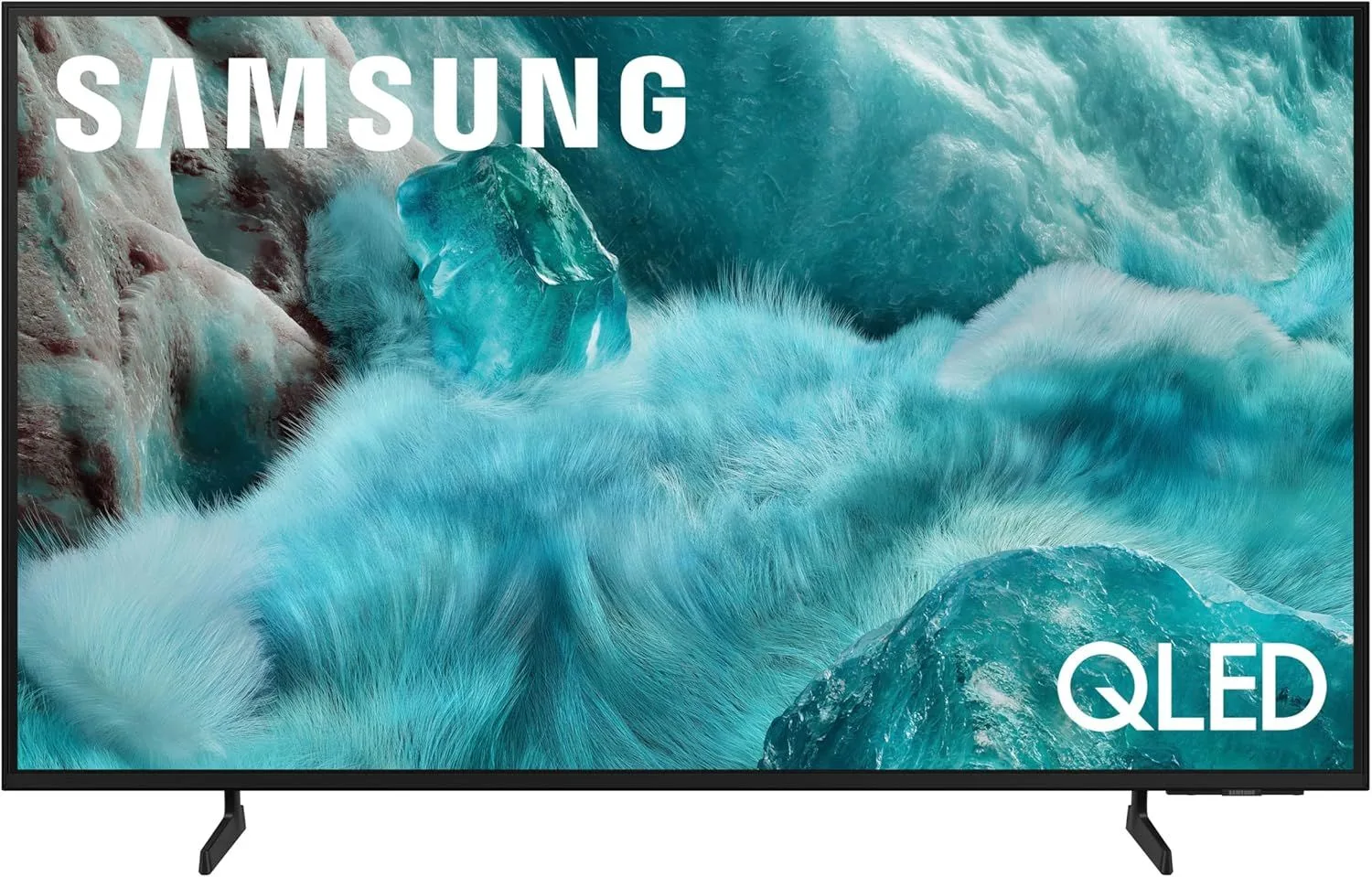
The Q7F is the entry point to Samsung's QLED lineup. The 120Hz panel is a nice upgrade over budget TVs, but the lack of local dimming and Dolby Vision means you're paying for the Samsung name.
The Samsung Tax: What It Buys You
The Q7F is where Samsung's QLED lineup begins. At below average for its category pricing, you get quantum dot color enhancement, a 120Hz panel, and Samsung's Tizen ecosystem. Compared to the Crystal UHD U8000F series below it, the jump to QLED brings noticeably better color and the crucial 120Hz upgrade for gaming.
But — and this is the core tension — competitors like TCL, Hisense, and Roku pack more hardware features into similar price brackets. The Q7F charges a Samsung premium for brand polish and ecosystem. Whether that premium is justified depends entirely on how much you value Samsung's design and software.
AirSlim Design: Notably Thin
Samsung's industrial design advantage is real. The Q7F is noticeably thinner than any competitor at this price. Wall-mounted, it looks like a display panel, not a chunky appliance. The slim bezels and clean cable management contribute to an aesthetic that TCL and Hisense simply do not match.
The build quality extends to the remote — Samsung's Solar Cell remote charges via light and requires no batteries. Small touches like these accumulate into an ownership experience that feels premium even when the raw specs do not justify the price.
The single HDMI 2.1 port (port 4) supports 4K 120Hz, VRR, and ALLM. Connect your primary console there. Use Samsung Gaming Hub for cloud gaming on secondary ports — it sidesteps the HDMI limitation entirely for supported services.
QLED Color Without Local Dimming
Quantum dot color filtering improves color volume by around 30% over Samsung's non-QLED panels. Reds are richer, blues are deeper, and content with high color saturation — animated films, nature documentaries, sports broadcasts — looks tangibly better.
The problem is that color is only half the picture. The edge-lit backlighting with no local dimming zones means contrast is mediocre. Dark scenes in movies show a washed-out grayish quality where blacks should be deep. HDR content, limited to HDR10+ (no Dolby Vision), gets a boost from the quantum dots but lacks the contrast punch that local dimming provides.
120Hz: The Key Upgrade Over Budget
The 120Hz panel is the most meaningful specification upgrade over budget TVs. Motion is smoother in sports, panning shots in movies are cleaner, and gaming at 120fps (via the single HDMI 2.1 port) transforms the console experience. If you are coming from a 60Hz TV, the difference is immediately visible.
Strengths
- ✓Quantum Processor 4K with improved upscaling
- ✓120Hz panel for smoother motion and basic gaming
- ✓AirSlim design for clean wall mounting
Weaknesses
- ✗No Dolby Vision — Samsung HDR10+ ecosystem only
- ✗Edge-lit with no local dimming zones
- ✗Only 1 HDMI 2.1 port limits gaming flexibility
Tizen and the Samsung Ecosystem
Tizen is a polished smart TV platform. App load times are fast, the interface is responsive, and SmartThings integration turns the TV into a smart home controller. Samsung TV Plus provides free ad-supported channels, and the Samsung Gaming Hub aggregates cloud gaming services in one place.
The missing piece is Dolby Vision. Samsung has committed to HDR10+ across its entire lineup, which means Netflix, Disney+, and Apple TV+ content that supports Dolby Vision will fall back to HDR10. It is a real limitation for cinephiles, even if most casual viewers will not notice.
Where the Money Goes
At $300–$500, the Q7F competes against TVs with more raw features. The Roku 65" Pro Series offers local dimming and QLED at a similar price point in a larger size. The Hisense QD7QF delivers entry Mini-LED for less. The Samsung Q7F wins on design, build quality, and ecosystem — not on specs per dollar.
The honest recommendation: if you are already in the Samsung ecosystem (SmartThings, Galaxy phones, Samsung soundbars), the Q7F makes sense as part of a connected household. If you are starting fresh and want the best picture for the money, competitors offer more.
Frequently Asked Questions
Is the Samsung Q7F worth it over the Samsung U8000F?
The Q7F adds QLED color, 120Hz refresh rate, and an extra HDMI port. If you watch a lot of HDR content or do any gaming, those upgrades justify the step up. If you stream casually, the U8000F saves money for a similar core experience.
Can you game on the Samsung Q7F at 120Hz?
Yes, but with a caveat. Only one HDMI port supports 2.1 (4K at 120Hz with VRR). So you can connect one console at full capability. A second console drops to 60Hz on the standard HDMI ports. Samsung Gaming Hub also offers cloud gaming access.
Why does the Samsung Q7F not support Dolby Vision?
Samsung uses its proprietary HDR10+ format instead of licensing Dolby Vision. This is a company-wide decision, not specific to the Q7F. Most Samsung TVs lack Dolby Vision. If Dolby Vision is important to you, look at Roku, LG, or Hisense alternatives.
Does the Q7F have local dimming?
No. The Q7F uses edge-lit backlighting without local dimming zones. For local dimming, you need to step up to Samsung Q8F or look at the Roku 65" Pro Series which includes full-array local dimming at a similar price point.
How thin is the Samsung AirSlim design?
The Q7F measures just over an inch thick across most of the panel. When wall-mounted, it sits nearly flush — significantly thinner than most competitors. The AirSlim design is one of Samsung genuine advantages for living room aesthetics.
Final Verdict
Rating: 4.3/5
The Q7F is the entry point to Samsung's QLED lineup. The 120Hz panel is a nice upgrade over budget TVs, but the lack of local dimming and Dolby Vision means you're paying for the Samsung name.
Buy it if Samsung's ecosystem and design language matter to you. Skip it if raw specs per dollar is your priority — TCL, Roku, and Hisense offer more hardware for the money.