Gaming TV Buying Guide: Refresh Rate, VRR & Input Lag
A good gaming TV is not just a fast TV. It is the right combination of refresh rate, input lag, VRR support, HDMI bandwidth, and panel technology for the games you play and the console you own. This guide explains what each spec actually does, which ones you can skip, and which TVs deliver the best gaming experience at each budget.
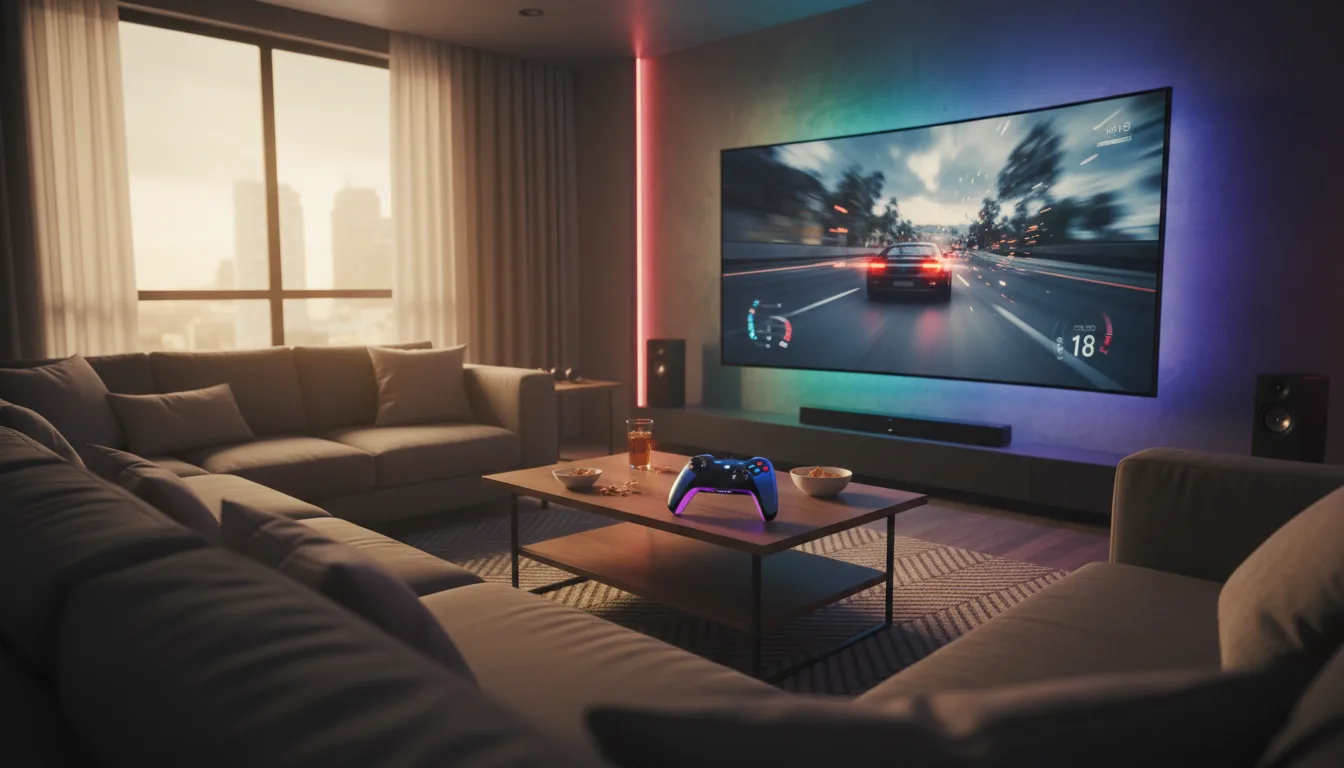
What Makes a TV Good for Gaming?
Gaming demands things from a TV that movies and streaming do not. A Netflix show is pre-rendered — every frame is perfect. A game generates frames in real-time, and the TV needs to display them as fast as possible with minimal processing delay. Four specs define the gaming experience:
- Refresh rate — How many frames per second the panel can display (60Hz, 120Hz, or 144Hz)
- Input lag — The delay between pressing a button and seeing the result on screen
- VRR support — Whether the TV can match its refresh to the game's frame rate dynamically
- HDMI bandwidth — Whether the port can carry enough data for 4K/120Hz signals
Refresh Rate: 60Hz vs 120Hz vs 144Hz
At 60Hz, the TV updates the image 60 times per second. At 120Hz, double that. The difference is visible in fast camera movements — a 120Hz display shows smoother panning, sharper moving objects, and more responsive controls.
When 120Hz Matters
- Competitive multiplayer — Call of Duty, Fortnite, Rocket League, fighting games. The smoother motion gives a genuine visual advantage.
- Racing games — Gran Turismo 7 and Forza Motorsport both support 120fps modes. The smoothness is striking.
- First-person shooters — Faster visual feedback makes target tracking more fluid.
When 60Hz Is Fine
- Single-player story games with ray tracing — Games like Hogwarts Legacy and Spider-Man 2 typically run at 30-60fps in their highest quality mode. 120Hz adds nothing here.
- Strategy and turn-based games — Frame rate differences are irrelevant in Civilization or XCOM.
- Casual gaming — Nintendo Switch maxes out at 60fps. A 120Hz TV will not improve Switch gameplay.
144Hz on TVs? Some 2025-2026 gaming monitors and a handful of premium TVs support 144Hz. The benefit over 120Hz is marginal — most players cannot perceive the difference between 120 and 144fps on a large TV. Do not pay a premium specifically for 144Hz. Focus on 120Hz with good VRR instead.
Input Lag: The Hidden Spec
Input lag is the time between pressing a controller button and seeing the corresponding action on screen. Every TV adds processing delay — upscaling, color correction, motion smoothing — that increases input lag. Game Mode disables most of this processing to minimize delay.
Input Lag Benchmarks
- Under 10ms — Gaming monitor territory. Virtually instantaneous response. Some OLED TVs achieve this.
- 10-15ms — Excellent for all console gaming. Most modern TVs with Game Mode enabled hit this range.
- 15-25ms — Good. Casual gamers will not notice any delay. Competitive players may.
- Above 30ms — Noticeable. Music/rhythm games become frustrating. Fast-paced shooters feel sluggish.
Game Mode is not optional for gaming — it is essential. Without it, even a premium TV can have 50-80ms of input lag from image processing. The visual quality trade-off of Game Mode is minimal on modern TVs, but the input lag improvement is dramatic. ALLM (Auto Low Latency Mode) automates this switch on HDMI 2.1 connections.
VRR, FreeSync, and G-Sync: Tear-Free Gaming
When a game outputs 73fps on a 60Hz TV, the mismatch causes screen tearing — a visible horizontal line where two frames overlap. VRR (Variable Refresh Rate) eliminates this by dynamically adjusting the TV's refresh rate to match whatever the game outputs.
Three standards exist:
- HDMI Forum VRR — Built into the HDMI 2.1 spec. Supported by PS5 and Xbox Series X. The baseline standard.
- AMD FreeSync Premium — AMD's implementation, widely supported by TVs and Xbox consoles. Most FreeSync TVs also work with PS5 VRR.
- NVIDIA G-Sync Compatible — NVIDIA's standard for PC gaming. Some TVs carry G-Sync certification, but most FreeSync TVs work with NVIDIA GPUs as well.
VRR on budget TVs is often unreliable. Some budget 120Hz TVs technically list VRR support but exhibit flickering, dimming, or limited VRR range (e.g., only 48-120Hz, causing judder below 48fps). Premium and mid-range TVs from Samsung, LG, and TCL handle VRR far more gracefully. Check reviews for VRR behavior specifically before buying.
HDMI 2.1: Non-Negotiable for 4K/120Hz
HDMI 2.0 maxes out at 18Gbps — enough for 4K at 60Hz but not enough for 4K at 120Hz. HDMI 2.1 provides 48Gbps, enabling 4K/120Hz, VRR, ALLM, and eARC (enhanced Audio Return Channel for lossless audio passthrough to a soundbar).
How Many HDMI 2.1 Ports Do You Need?
- 1 port — Sufficient if you own one console. Budget and mid-range TVs often have only one HDMI 2.1 port alongside HDMI 2.0 ports.
- 2 ports — Ideal for PS5 + Xbox households, or one console + one eARC soundbar connection.
- 3-4 ports — Future-proof setups with multiple consoles, a gaming PC, and a sound system.
Not all HDMI ports on a TV support the same features. A TV marketed as "HDMI 2.1" may only have one HDMI 2.1 port — the others could be HDMI 2.0. Check the spec sheet for which specific port numbers support 4K/120Hz and VRR. On Samsung TVs, it is typically HDMI 4. On LG OLEDs, all four ports are HDMI 2.1.
Panel Technology for Gaming
OLED: The Premium Gaming Display
Near-instant pixel response, perfect contrast for dark game environments, zero blooming around bright HUD elements. The LG 55" OLED C5 is the top OLED pick for gaming with 4 HDMI 2.1 ports and sub-10ms input lag. Read our review.
Mini-LED: HDR Gaming Without the OLED Price
High peak brightness makes HDR highlights pop in open-world games. The Samsung 65" QN70F and Hisense 65" U75QG both deliver strong gaming specs at competitive prices. Samsung review | Hisense review.
QLED: Mid-Range Gaming Entry Point
A 120Hz QLED with VRR covers the gaming basics. The Amazon 55" Omni QLED 2025 pairs gaming features with deep Alexa integration at a mid-range price. Read our review.
Mistakes Gamers Make When Buying a TV
1. Buying a 60Hz TV "Because I Do Not Game Competitively"
Even casual gamers benefit from 120Hz. The motion smoothness improvement is visible outside of competitive scenarios — platformers, racing games, and action-adventure titles all feel more responsive at 120fps. The price gap between 60Hz and 120Hz has shrunk considerably.
2. Ignoring VRR Range
A TV with a 48-120Hz VRR range will judder when games drop below 48fps. A TV with a 24-120Hz VRR range (or low framerate compensation) handles those dips smoothly. The range matters as much as VRR support itself.
3. Forgetting About Audio
Gaming audio positioning — footsteps, gunshots, environmental cues — is critical in multiplayer. TV speakers cannot deliver spatial audio. Budget for a gaming headset or a soundbar with eARC passthrough alongside the TV.
4. Choosing Size Over Gaming Specs
A 75-inch 60Hz TV provides a bigger image but a worse gaming experience than a 65-inch 120Hz TV with VRR. For gaming, prioritize refresh rate and HDMI 2.1 over raw screen size.
Frequently Asked Questions
Do I need HDMI 2.1 for PS5 or Xbox Series X?
What is VRR and why does it matter for gaming?
Is 120Hz necessary for gaming?
What input lag is acceptable for gaming?
Is OLED or Mini-LED better for gaming?
What is ALLM (Auto Low Latency Mode)?
Level Up Your Gaming Setup
A gaming TV with 120Hz, HDMI 2.1, and VRR unlocks the full potential of PS5, Xbox Series X, and modern gaming PCs. Our top gaming pick is the LG 55" OLED C5 for those who want the best, and the Hisense 65" U75QG for outstanding gaming value. Browse all our gaming-focused picks in the PS5 & Xbox TV guide.